Coming soonHL Terminal for iPhone, iPad & Mac — join the beta

HL TERMINAL / HOWTO

See the workflow.
Try it for yourself.

Follow along with practical video walkthroughs. Start with Paper Trading, explore the built-in AI assistant, set up chart alerts and push notifications, or scan your favorite markets with ChatGPT Codex and MCP.

4 video tutorialsEnglish narrationStep by step
01 / GETTING STARTED · WEB

HL Terminal Intro English

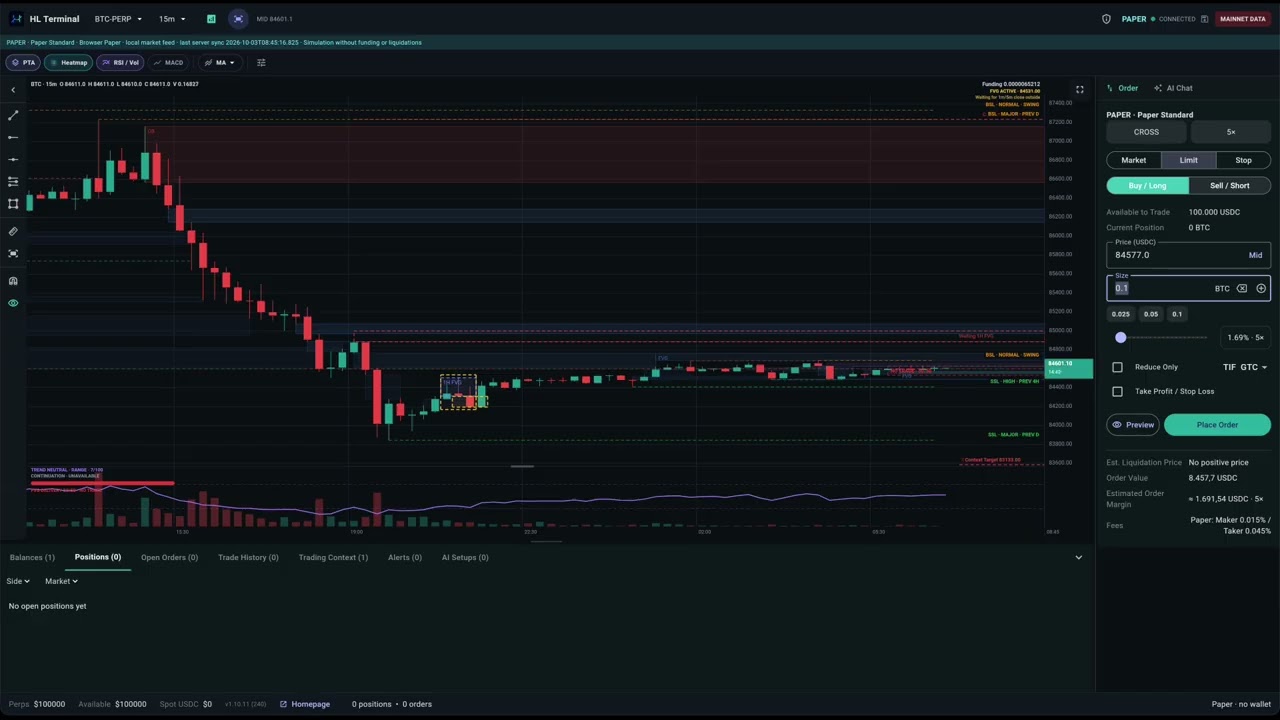
Learn the complete Paper Trading workflow in the browser, from onboarding to placing your first practice order.

  • Choose Paper Trading and open the Bitcoin chart.
  • Create and remove size presets, and set leverage.
  • Build a Long setup from the crosshair menu; adjust entry, take profit and stop loss in the chart and Order view.

Watch on YouTube
02 / BUILT-IN AI · MACOS

Trading with AI on HL-Terminal

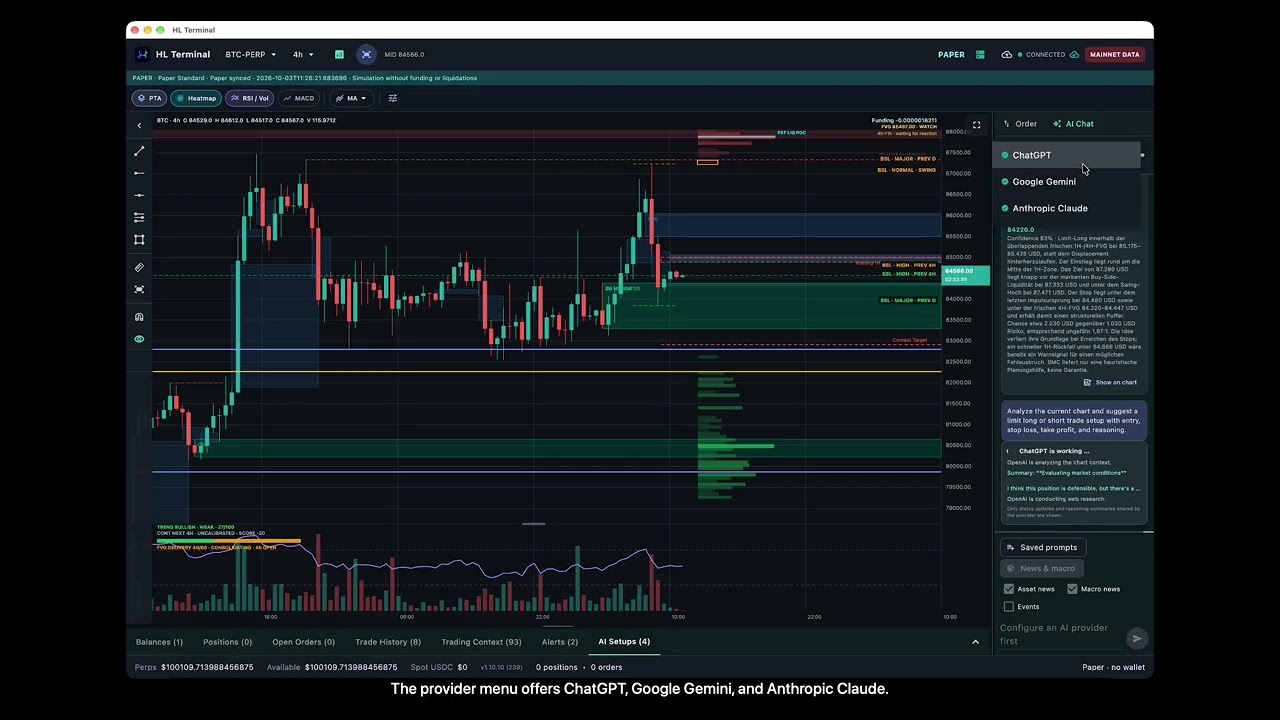
See how the built-in AI assistant turns chart context into a trade idea you can review and refine.

  • Configure saved prompts and request a Long or Short setup.
  • Find the API-key settings and choose ChatGPT, Google Gemini or Anthropic Claude.
  • Show the proposal on the chart, adjust the levels, and review the Paper Trading order before submitting.
Watch on YouTube
03 / MONITORING & PUSH · MACOS

HL Terminal Server Mode and Alerts

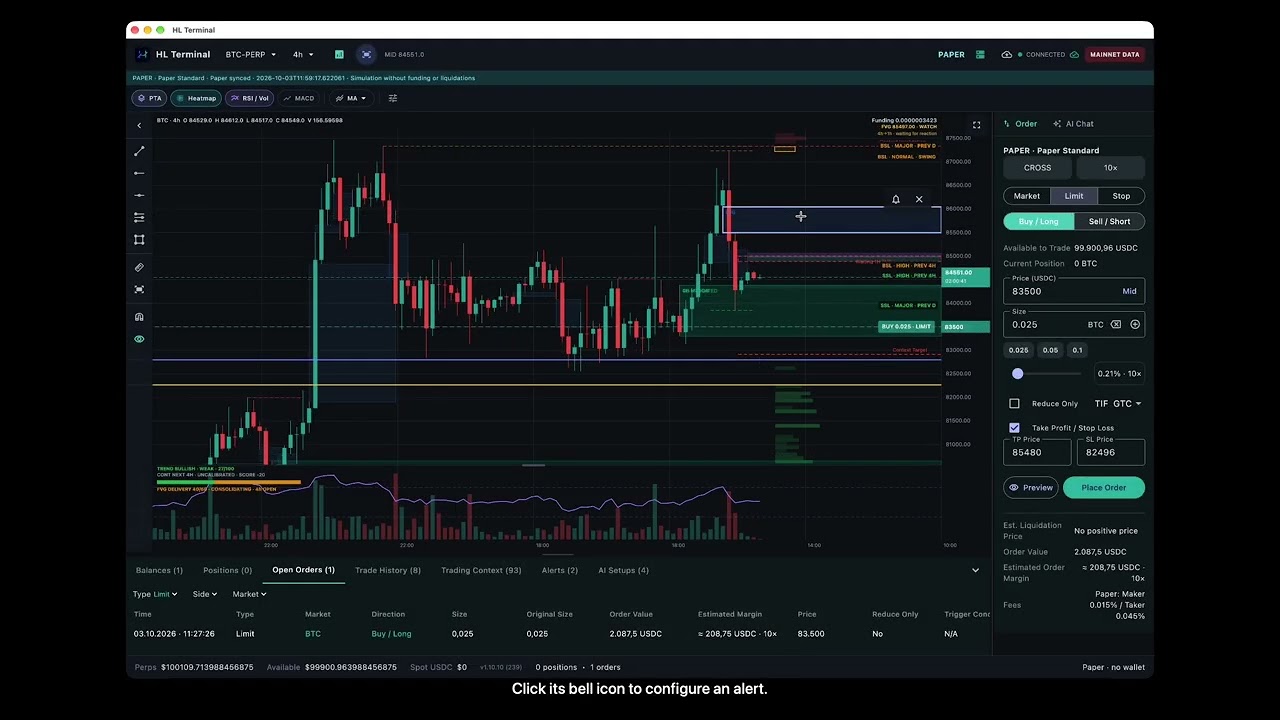
Use your Mac as the terminal server and configure notifications for the chart levels you want to follow.

  • Inspect Server Mode status and registered push devices.
  • Send normal and time-sensitive test notifications.
  • Set alerts on Fair Value Gaps and horizontal price lines, with recurring and time-sensitive options.
Watch on YouTube
04 / CODEX & MCP · MACOS

Use ChatGPT Codex to scan the market with HL Terminal for trade setups

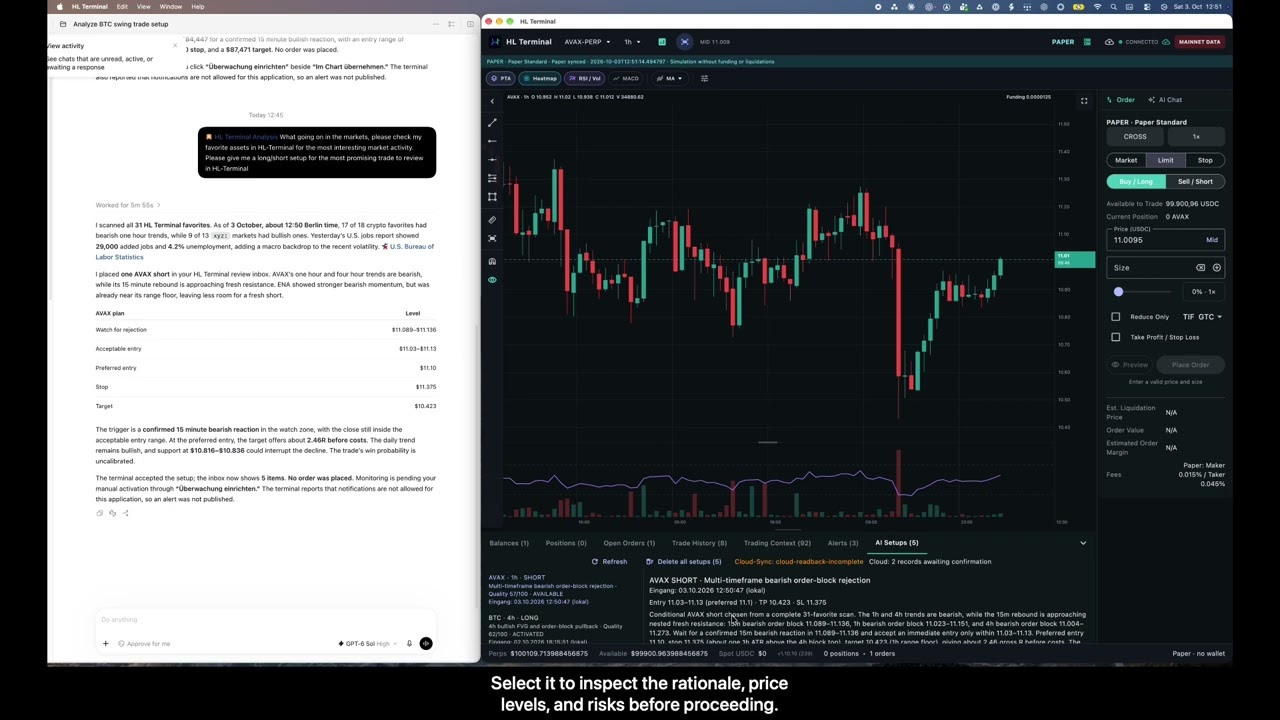
Use ChatGPT Codex with the HL Terminal Analysis skill and MCP connection to scan your favorite assets and find a trade idea for manual review.

  • Request a favorites scan and compare potential Long or Short setups.
  • Review the selected AVAX Short proposal in the AI Setups inbox.
  • Preview the setup on the chart, adjust stop loss and take profit, and check size and prices in the Order view. Orders remain your decision.
Watch on YouTube

The videos open on YouTube in a new tab. Start with the introduction, or jump straight to the workflow you want to learn.

Visit Michael’s channel